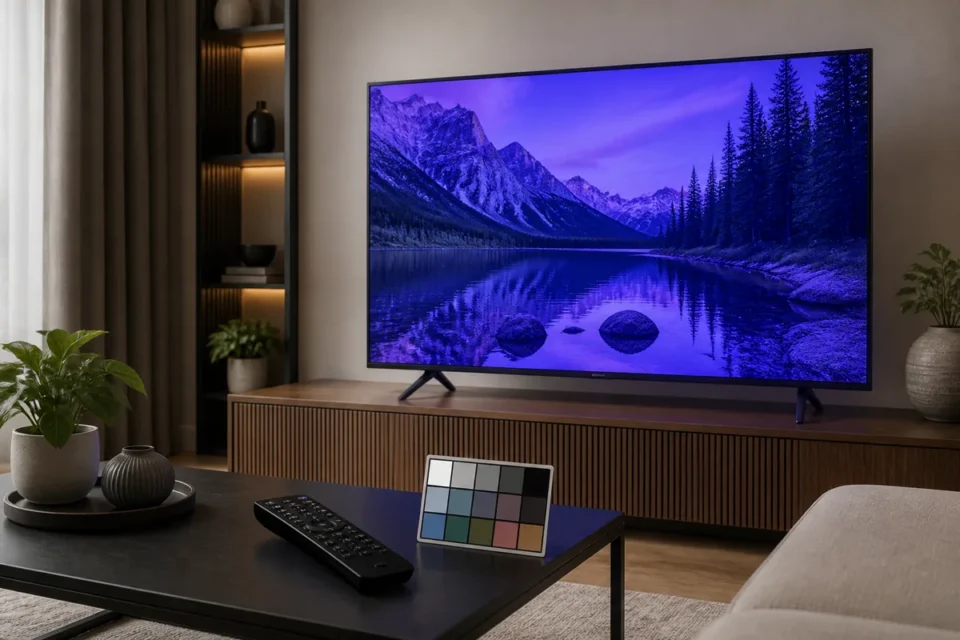
A Samsung TV with a blue or purple tint may have a simple color setting, a damaged HDMI cable, an issue limited to one app or, less commonly, a hardware fault. Before changing white balance controls at random, determine whether the color cast appears everywhere.
Display the Samsung menu, a built-in app and an HDMI source. If the menu looks normal but the cable box is purple, focus on the box and cable. If the menu and built-in Picture Test have the same tint, the television itself needs closer diagnosis.
The quick test that avoids ruining your settings
- Press Home and inspect the menu colors.
- Open a different built-in app.
- Change HDMI port and cable.
- Run Samsung Picture Test.
Record exactly where the fault appears. A tint limited to one source is usually easier to solve than abnormal color visible in the TV’s own diagnostic image.
9 fixes for a blue or purple Samsung TV picture
1. Restart the TV and source
Hold the remote Power button until the set restarts, or unplug it for 60 seconds. Do the same with the cable box, console or streamer. A temporary video-handshake problem may clear after this cold boot.
2. Check Picture Mode
Select Standard or Filmmaker Mode for comparison. A very cool mode emphasizes blue. Do not start by changing advanced calibration controls; begin from a neutral preset.
3. Compare Color Tone settings
In Expert Settings, compare Standard, Warm 1 and Warm 2. A cool color temperature looks bluer, while a warm setting reduces that effect. The preferred result depends on the room, but an extreme purple cast is not normal.
4. Reset Picture settings only
If White Balance, Color Space or RGB gain controls have been changed, select Reset Picture. This is safer than resetting the entire TV and preserves apps and accounts.
5. Try another HDMI cable and port
A poor connection or damaged cable can disrupt color information. Disconnect both ends, use a known-good cable and try another port. Remove splitters, adapters and receivers during diagnosis.
6. Compare multiple devices
Connect another device to the same port, then test the suspect device on another display. If only one console or cable box remains purple, review its RGB range, resolution, HDR and software updates.
7. Run Picture Test
On recent models, open All Settings → Support → Device Care → Self Diagnosis → Picture Test. Normal test colors suggest the TV is working and an external source is responsible. If the diagnostic image remains blue or purple, photograph it for support.
8. Update the software
Install updates through Support → Software Update. Update apps and HDMI devices too. Software can correct a video-processing bug, but it cannot repair a damaged panel.
9. Move possible sources of interference
If color appears mainly around the edges, move unshielded speakers, magnetic objects and electronics away from the screen. Samsung recommends moving such equipment, then switching off and unplugging the TV for several minutes before testing again.
What does blue, green or purple color only around the edges mean?
A localized patch is different from a uniform color cast. Test the menu and diagnostic image first. If the patch remains in the same position on every source, photograph it against a grey or white background and contact support. Do not press or “massage” the panel.
A tint that follows only one device or cable suggests a signal problem. A fixed patch visible in Picture Test may involve the backlight, panel or internal electronics and needs professional diagnosis.
When should you contact Samsung?
- The built-in Picture Test is also blue or purple.
- A fixed colored area is spreading.
- Lines, flickering or one dark half appear.
- Reset Picture and HDMI tests make no difference.
Prepare the model code, software version, a photo of Picture Test and a list of sources tested. Never open the TV.
Official sources and related guides
Samsung recommends moving electronic or magnetic devices when blue, purple or green color appears around the edges. Its official support also explains Picture Test and HDMI diagnosis.
For a more general distortion, read our guide to distorted or glitchy Samsung TV colors. If brightness rather than color changes, follow Samsung TV brightness keeps changing.
Frequently asked questions
Why is the picture purple only on HDMI?
The cable, port or external device’s video settings are likely responsible. Try another cable, another port and a different output resolution.
Does Warm 2 repair a fault?
No. It changes color temperature. It can make an overly cool picture look natural, but it cannot repair a fixed purple patch or hardware defect.
How can I tell if the TV panel is involved?
If the menu and built-in Picture Test show the same fault on every source, professional diagnosis of the television is appropriate.
Next question: Are the colors normal but the brightness keeps changing? Check these settings.
What to read next
These related guides may also help: