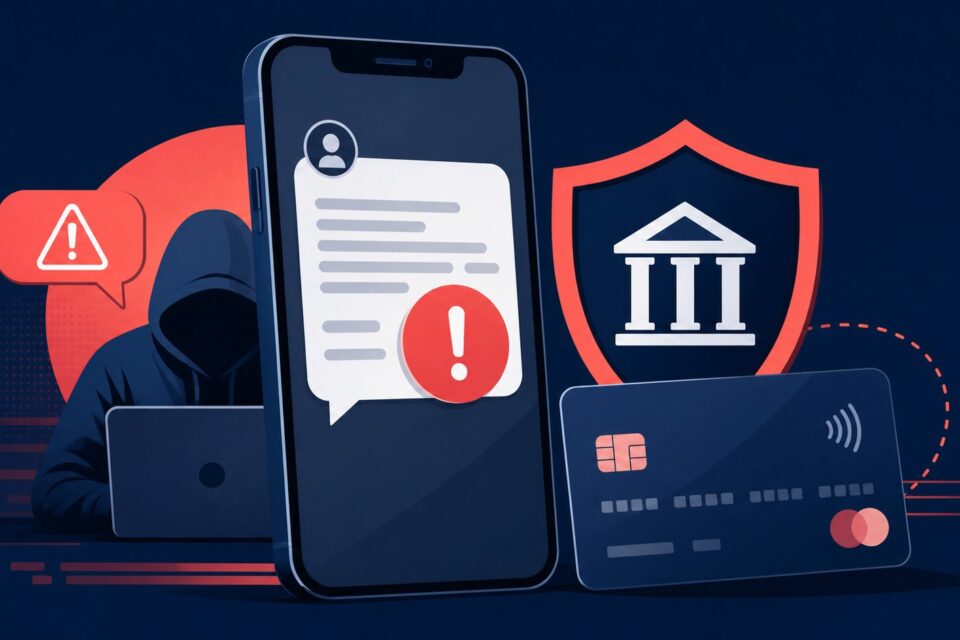
A hacked email account threatens far more than the messages inside it. Attackers can use it to reset passwords on other services, impersonate you and target your contacts. Work in a deliberate order from a device you believe is clean.
Quick answer
Changing the password alone may not remove an active session, a malicious forwarding rule or an attacker-controlled recovery address. Check every persistence mechanism the provider offers.
Why this trap works
Common signs include messages you did not send, unfamiliar login alerts, a rejected password, unexpected reset emails or mail disappearing. A quiet inbox is not proof of safety: an intruder may create a forwarding rule and avoid obvious activity.
The safest method is to slow down, leave the channel creating pressure and return through a known source. An independent check usually takes far less time than recovering an account or disputing a payment.
Step-by-step checks
-
If you still have access, change the password through the provider’s official app or website. Use a long, unique passphrase that has never been used elsewhere.
-
Enable multi-factor authentication and store recovery codes somewhere separate from the mailbox.
-
Sign out unknown devices and sessions. Review login history, connected applications and app-specific passwords.
-
Inspect forwarding, filters, automatic replies, the recovery address and phone number. Remove any change you do not recognize.
-
Change passwords for sensitive accounts linked to the address, starting with banking, shopping, cloud storage and social media.
-
Warn contacts to ignore recent requests for money, codes or documents that appeared to come from you.
-
Scan and update the devices you used. Remove suspicious extensions or software before reconnecting the account.
The point people miss
Changing the password alone may not remove an active session, a malicious forwarding rule or an attacker-controlled recovery address. Check every persistence mechanism the provider offers.
Do not decide from one signal alone. A padlock, logo, sender name or top search position can all be copied. Combine the address, context, request and an official channel found independently.
What to do after a click, entry or payment
If you are locked out, use only the provider’s official recovery process. Save alerts and screenshots. If the account was used for fraud, extortion or identity theft, report it through the appropriate national channel. Contact your financial institution immediately if banking information may have been exposed.
Act first on what can still be blocked: a session, password, card or payment. Document the incident afterwards. Do not delete messages or logs before preserving useful evidence.
Frequently asked questions
Should I delete all old messages?
No. Secure the account first. Messages may help you understand the incident and preserve evidence.
How do I know whether my contacts were targeted?
Review sent mail, trash and alerts, then ask a few contacts whether they received an unusual request from you.
Can I reuse the new password?
No. Important accounts should have unique passwords, preferably generated and stored by a password manager.
Official sources and update policy
This article prioritizes public or institutional sources. Interfaces and procedures can change, so verify the relevant service’s current instructions before a sensitive action.
A safe independent verification routine
When a message, page or caller asks you to act, write down the claim without using the supplied link or phone number. Close the contact, open the organization’s official app or a bookmark you already trust, and look for the same alert there. If the issue is not visible, contact the organization through details printed on an existing statement, card or official website. Describe the claim without sharing a password or one-time code. This separate route prevents the original sender from controlling both the warning and the supposed solution.
Keep a short record of the time, displayed address, sender and action requested. That information helps a provider investigate and helps you explain the incident to a bank or reporting service. It also avoids repeated clicking while you try to remember what happened.
What to read next
These related guides may also help: