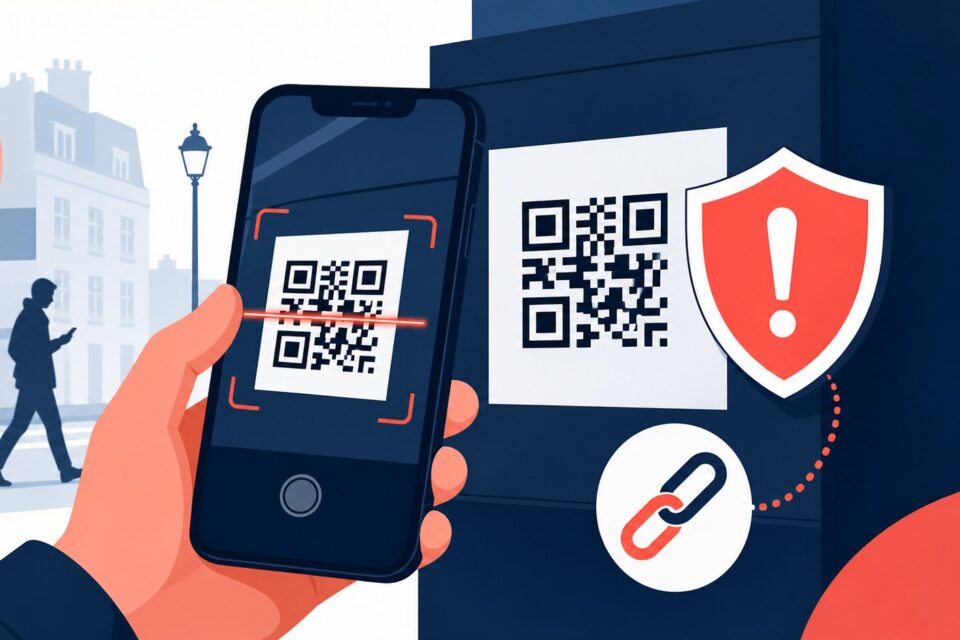
A travel QR code may open a ticket, menu, map or payment page. The danger begins when a fraudulent sticker covers the original code or an unexpected message pressures you to pay quickly. Scanning a code does not verify who receives your information; it only opens an address.
Quick answer
The HTTPS padlock only means the connection is encrypted. It does not prove the website is legitimate. Scam pages can use HTTPS and copy the logo of a city, parking company or rail operator.
Why this trap works
Tourist areas encourage fast decisions at parking meters, lockers, rental desks, stations and restaurants. Fatigue, unfamiliar systems and fear of a fine make people less likely to check. A scammer can exploit that moment with a page designed to look like the service you expected.
The safest method is to slow down, leave the channel creating pressure and return through a known source. An independent check usually takes far less time than recovering an account or disputing a payment.
Step-by-step checks
-
Inspect the physical sign first. A glossy, crooked, peeling or raised sticker placed over another code is a reason to stop.
-
Prefer the official transport, parking or city app. When possible, enter the meter or location number manually instead of using the displayed code.
-
Read the destination shown by your phone before opening it. The domain must match the organization exactly, with no misspelling, extra word or misleading subdomain.
-
On the page, confirm the merchant, currency and total. Close it if it requests unrelated personal data or changes the amount at the final step.
-
Never install an app, configuration profile or APK because a payment QR code tells you to do so.
-
When unsure, type the official address yourself or ask staff to confirm the payment method. Do not trust a phone number that appears to be part of a new sticker.
-
Use bank alerts to verify the merchant name and amount immediately after a legitimate purchase.
The point people miss
The HTTPS padlock only means the connection is encrypted. It does not prove the website is legitimate. Scam pages can use HTTPS and copy the logo of a city, parking company or rail operator.
Do not decide from one signal alone. A padlock, logo, sender name or top search position can all be copied. Combine the address, context, request and an official channel found independently.
What to do after a click, entry or payment
If you entered card details on a suspicious page, contact your bank through its official app or the number on the card. Monitor transactions, save the web address and screenshots, and alert the operator responsible for the physical sign. If you entered a password, change it immediately anywhere it was reused and enable multi-factor authentication.
Act first on what can still be blocked: a session, password, card or payment. Document the incident afterwards. Do not delete messages or logs before preserving useful evidence.
Frequently asked questions
Can scanning a QR code charge my card automatically?
Normally, no. The scan opens a link. The risk comes from what the page asks you to enter, a misleading payment approval or a malicious download.
Should I disable QR scanning completely?
No. Keep link previews enabled, avoid automatic opening and verify the destination before making any payment.
Does a small charge mean the page is safe?
No. A small transaction may be used to test card details. Check the merchant and contact your bank if it does not match the service.
Official sources and update policy
This article prioritizes public or institutional sources. Interfaces and procedures can change, so verify the relevant service’s current instructions before a sensitive action.
Before leaving the location
Save the legitimate receipt and confirm that the merchant name matches the parking operator, restaurant or transport company. If the code appeared to be covered, tell staff exactly where it was found so they can isolate the sign. Travellers should also check whether roaming or translation tools changed the page context: a different language can be normal, but a different company or domain is not.
What to read next
These related guides may also help: