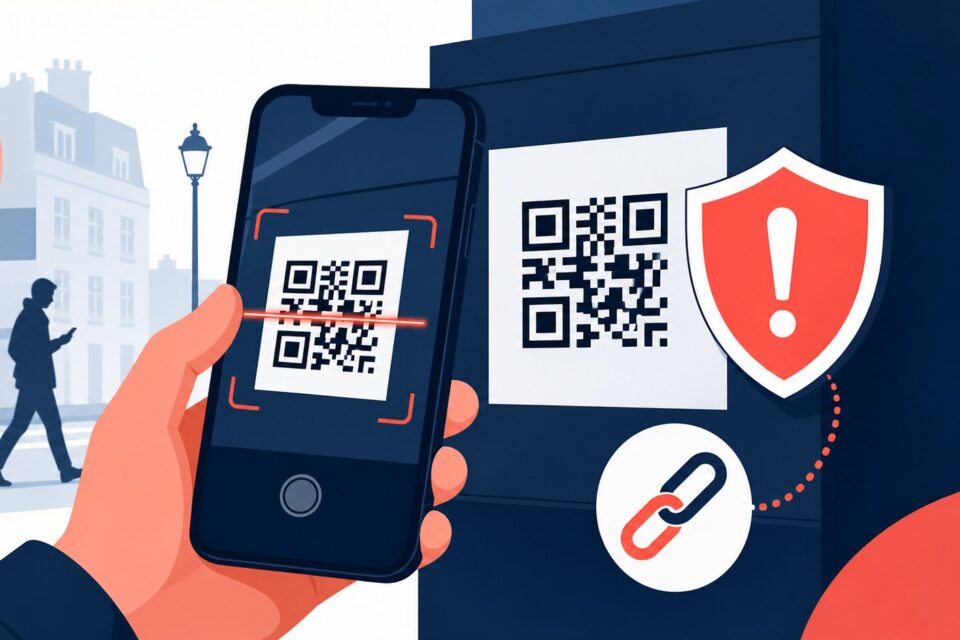
A QR code on a table, parking meter or poster is convenient, but it is also easy to cover with a sticker. Your phone cannot know whether the code belongs to the restaurant, city or a criminal, so you still need to verify the destination.
Quick answer
A page can reproduce the expected colors and logo perfectly. The domain, context and requested information are stronger evidence than visual design.
Why this trap works
Public codes are exposed and accessible. A replacement can lead to an advertising-heavy menu, copied payment page, sign-in prompt or download. The risk becomes greater when the scan is immediately followed by an urgent or financial action.
The safest method is to slow down, leave the channel creating pressure and return through a known source. An independent check usually takes far less time than recovering an account or disputing a payment.
Step-by-step checks
-
Check whether the code is part of the original print or an added sticker. Look at the edges without damaging the sign.
-
Use the phone preview and read the domain before opening it. Be cautious with shortened addresses that conceal the destination.
-
A restaurant menu should not require a bank or social-media login. Close a page that asks for unrelated data.
-
At a parking meter, compare the operator name and zone number with other information on the machine.
-
For an event, use the app or website already printed on your ticket rather than an isolated code found outside.
-
Do not grant notification, location or download permissions without a clear reason.
-
Report a suspicious sticker to staff or the local authority so other visitors are protected.
The point people miss
A page can reproduce the expected colors and logo perfectly. The domain, context and requested information are stronger evidence than visual design.
Do not decide from one signal alone. A padlock, logo, sender name or top search position can all be copied. Combine the address, context, request and an official channel found independently.
What to do after a click, entry or payment
If you entered data, change the affected credentials and monitor the account. Contact the bank through an official channel for card details. If a file or app was installed, disconnect sensitive accounts, remove the item and run a security scan.
Act first on what can still be blocked: a session, password, card or payment. Document the incident afterwards. Do not delete messages or logs before preserving useful evidence.
Frequently asked questions
Is a professionally printed QR code always safe?
No. It may have been altered before printing or lead to a compromised domain. Always inspect the destination.
Do iPhone and Android cameras protect me automatically?
They usually show a preview, but they cannot guarantee that the website is legitimate.
What should I do with a covered code?
Do not scan it. Tell the location operator and use a different official method.
Official sources and update policy
This article prioritizes public or institutional sources. Interfaces and procedures can change, so verify the relevant service’s current instructions before a sensitive action.
A safe independent verification routine
When a message, page or caller asks you to act, write down the claim without using the supplied link or phone number. Close the contact, open the organization’s official app or a bookmark you already trust, and look for the same alert there. If the issue is not visible, contact the organization through details printed on an existing statement, card or official website. Describe the claim without sharing a password or one-time code. This separate route prevents the original sender from controlling both the warning and the supposed solution.
Keep a short record of the time, displayed address, sender and action requested. That information helps a provider investigate and helps you explain the incident to a bank or reporting service. It also avoids repeated clicking while you try to remember what happened.
What to read next
These related guides may also help: