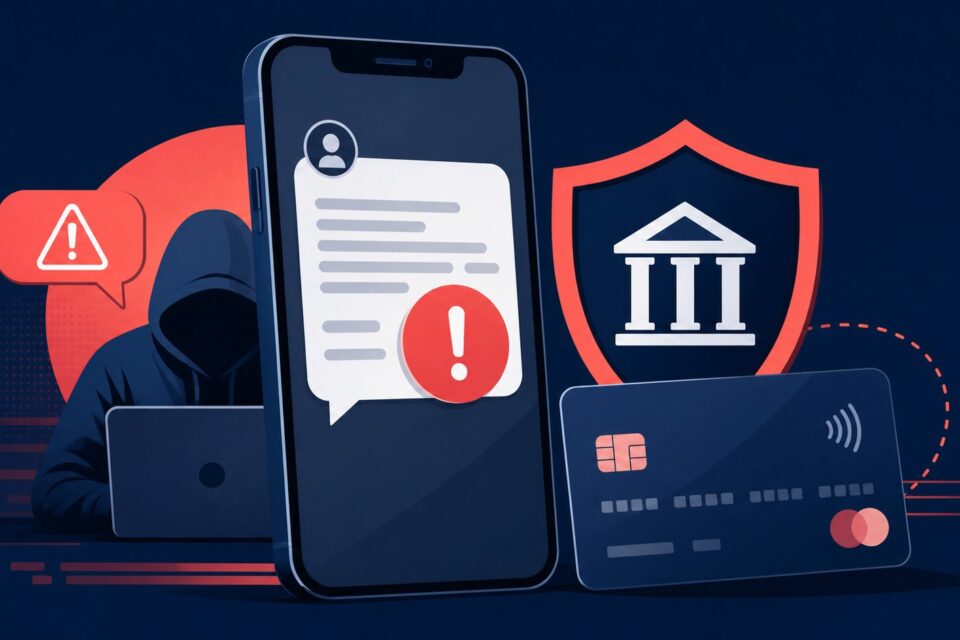
Travel creates convincing stories for fake texts: confirm a booking, reschedule luggage, pay a toll or secure a card. The message feels plausible because you are genuinely away from home, but that coincidence does not authenticate it.
Quick answer
The displayed sender name can be spoofed, and a fraudulent message may appear in the same thread as legitimate texts. Verify through another channel even when the phone groups the messages together.
Why this trap works
Smishing impersonates a company or agency and usually imposes a short deadline. The link opens a fake page built to collect card data, a password or a one-time code. Some campaigns begin with an ordinary question so that you reply before the malicious link arrives.
The safest method is to slow down, leave the channel creating pressure and return through a known source. An independent check usually takes far less time than recovering an account or disputing a payment.
Step-by-step checks
-
Do not reply or open the link. A response confirms that your number is active and may make a later message more persuasive.
-
Open the airline, hotel, delivery company or bank app yourself.
-
Compare the booking number, amount and itinerary. A vague message with no verifiable detail requires extra caution.
-
Use the official address from your existing booking confirmation, never the one in the new text.
-
Reject any request for a full banking code, complete password or app installation.
-
Report the text using your phone and the relevant national reporting service, then block the sender.
-
Warn other members of your group when a booking or contact number is shared.
The point people miss
The displayed sender name can be spoofed, and a fraudulent message may appear in the same thread as legitimate texts. Verify through another channel even when the phone groups the messages together.
Do not decide from one signal alone. A padlock, logo, sender name or top search position can all be copied. Combine the address, context, request and an official channel found independently.
What to do after a click, entry or payment
If you clicked but entered nothing, close the page, install no download and update the phone. If you shared card details, contact the bank immediately. Change any disclosed password through the official service and enable multi-factor authentication. Preserve evidence before deleting the message.
Act first on what can still be blocked: a session, password, card or payment. Document the incident afterwards. Do not delete messages or logs before preserving useful evidence.
Frequently asked questions
Can a hotel legitimately ask for confirmation by text?
Yes, but open the existing booking or use a previously verified number instead of following the new link.
Why does the text know my name?
Leaked or public data can personalize scams. A correct name does not prove the sender is genuine.
Should I call the number back?
No. Use contact details independently obtained from the provider or your bank.
Official sources and update policy
This article prioritizes public or institutional sources. Interfaces and procedures can change, so verify the relevant service’s current instructions before a sensitive action.
A safe independent verification routine
When a message, page or caller asks you to act, write down the claim without using the supplied link or phone number. Close the contact, open the organization’s official app or a bookmark you already trust, and look for the same alert there. If the issue is not visible, contact the organization through details printed on an existing statement, card or official website. Describe the claim without sharing a password or one-time code. This separate route prevents the original sender from controlling both the warning and the supposed solution.
Keep a short record of the time, displayed address, sender and action requested. That information helps a provider investigate and helps you explain the incident to a bank or reporting service. It also avoids repeated clicking while you try to remember what happened.
What to read next
These related guides may also help: