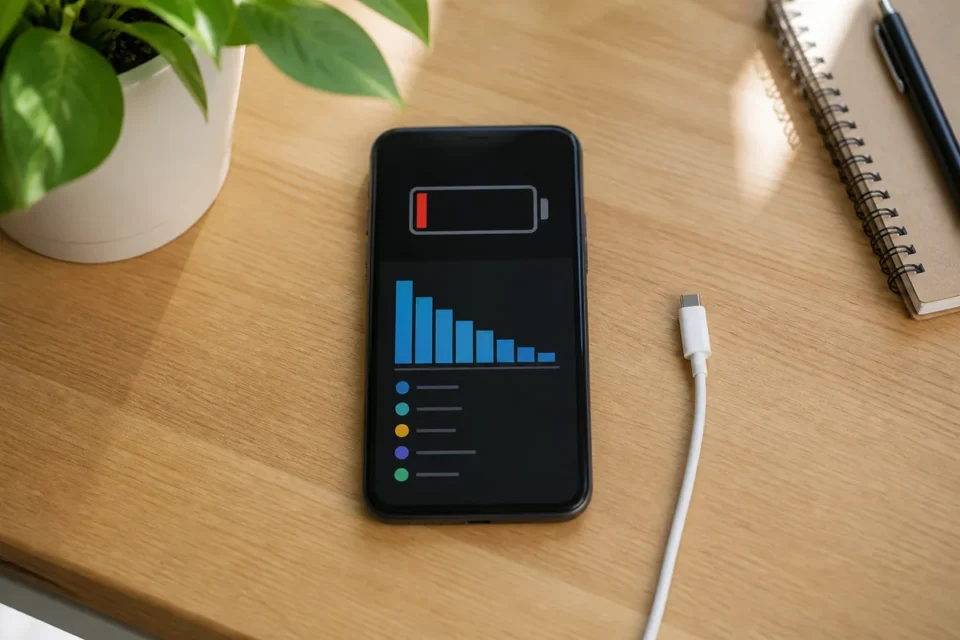
Quick answer: when your phone battery is draining fast, open Battery usage, identify the leading app, restart, update the system, lower excessive brightness and test through a normal day. Sudden idle drain, shutdown at 20 percent or swelling can point to an ageing or damaged battery.
Battery life depends on the display, signal, apps, temperature and battery age. Following an update or backup restoration, a phone may work harder for hours or a few days. To identify the real cause, compare similar periods rather than judging the battery immediately after gaming, navigation or video recording.
Measure the drain before disabling everything
Charge normally, note the percentage and time, then use the phone as usual. Review per-app activity and screen time later. The aim is to separate power used by real activity from an unusual loss while the phone is idle.
- Which app leads Battery usage, and does its screen time match how much you used it?
- Does the phone lose an unusually large amount overnight while idle?
- Did the drain begin after a new app, system update, restore or network change?
- Does it get hot, swell or switch off while the displayed percentage is still high?
Phone battery draining fast: 12 fixes
1. Review Battery usage
On iPhone, open Settings → Battery, then inspect the detailed usage view to compare apps. On Google Pixel, use Settings → Battery → Battery usage and view usage by app. Other Android manufacturers and software versions use different menu labels; search Settings for “battery” if needed.
Compare consumption with how you actually used the phone. An app used for a long time can reasonably lead the list. Before restricting it, check whether its background activity matches an expected task, such as music playback or a backup.
2. Restart the phone
A stuck service may keep the processor, GPS or radio awake. Restarting ends that loop without erasing data. Observe the phone for several hours afterwards because useful battery comparisons cannot be made in five minutes.
3. Update the system and apps
Install official updates and restart. They often fix compatibility and power-management problems. After a major update, allow time for photo syncing, indexing and battery optimisation to complete before judging the result.
4. Adjust brightness and screen timeout
The display is often a major consumer. Enable automatic brightness or choose a comfortable lower level, then shorten the idle timeout. Do not make the screen unreadable; the goal is a sensible setting rather than the lowest possible value.
5. Limit only abnormal apps
For an app with excessive background activity, enable battery optimisation or restrict its background use. Do not randomly block messaging, alarm or health apps when you rely on timely notifications. Change one app at a time and test.
6. Check mobile signal quality
Weak coverage makes the modem work harder. Compare battery life on reliable Wi-Fi or in a better covered location. Temporarily disable hotspot and test a different network mode only for diagnosis, then restore the features you need.
7. Turn off genuinely unused features
Stop hotspot sharing, prolonged GPS navigation, always-on display and continuous device scanning when not needed. It is rarely necessary to disable Wi-Fi or Bluetooth permanently when Battery usage shows normal consumption.
8. Use Battery Saver appropriately
Battery Saver reduces selected background tasks and can extend the last part of a day. Set an automatic threshold that suits you. It is a tool, not a repair: severe idle drain still needs investigation.
9. Check account synchronisation
A stuck account may repeatedly retry email, photo or file syncing. Look for errors, pause a large transfer and remove only accounts no longer used. Do not turn off backups without understanding what would stop being protected.
10. Keep the phone cool
Heat speeds up drain and battery wear. Keep the phone out of sun and parked cars and avoid intensive work while charging. If a temperature warning appears, unplug it and allow natural cooling.
11. Check battery health
On iPhone 15 or later: Settings → Battery → Battery Health. On iPhone 14 or earlier, choose Battery Health & Charging. A service recommendation warrants professional assessment. On Android, use the manufacturer’s battery diagnostics when available.
12. Reset only as a last resort
Back up before any reset and consider Android safe mode if the manufacturer recommends it. A full erase is time-consuming and cannot restore physically worn battery chemistry. Contact support before deleting everything.
When to stop using the battery
Switch off and do not recharge a phone if the battery or screen swells, the case separates, there is an unusual smell, smoke, or severe heat while idle. Never puncture a battery or place it in household rubbish. Contact the manufacturer, a qualified repair provider or a local battery collection service.
Frequently asked questions
How much overnight drain is normal?
There is no universal percentage because signal, notifications and battery condition differ. A sudden loss much greater than your own usual pattern should be compared across several nights.
Does closing every app save battery?
Not necessarily. The operating system manages cached apps. Close an app that is stuck or shown to be unusually active rather than repeatedly clearing everything.
Should I charge from zero to 100 percent to recalibrate?
Modern batteries do not need routine full cycles. Prefer the manufacturer’s optimised charging features and protect the phone from heat.
Official sources
- Apple Support — battery drains too quickly
- Apple Support — check battery usage
- Google Pixel Help — extend battery life
Related guide: phone overheating: safe cooling and warning signs
What to read next
Choose the guide that matches the related symptom: