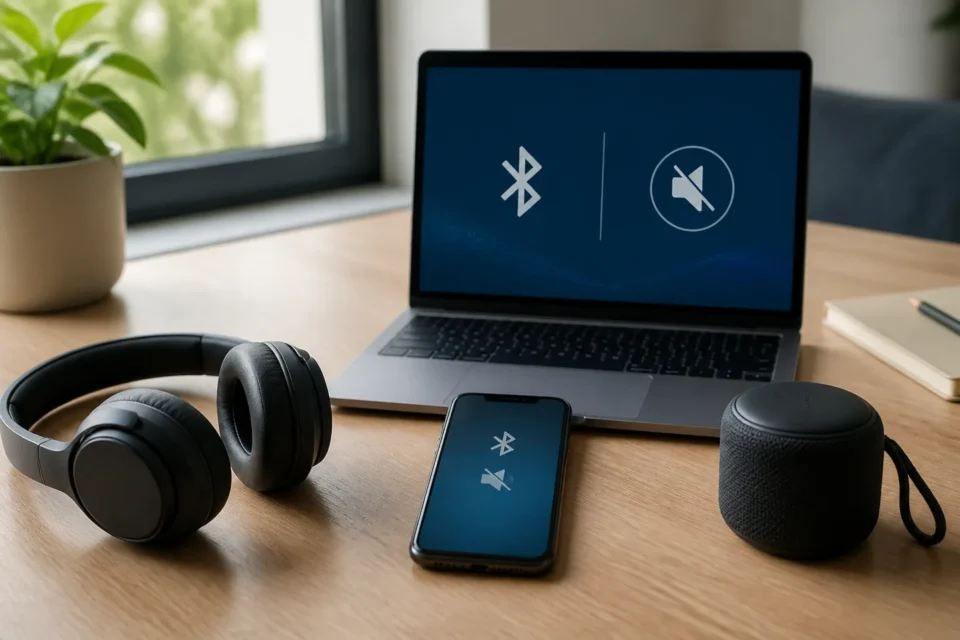
When Bluetooth is connected but no sound plays, the wireless link often exists while the wrong audio output remains selected. Before removing the device, check the output route, volume on both products and whether the headphones are already connected to another phone, television or computer.
Quick answer
Play audio, open the output selector and explicitly choose the Bluetooth headphones or speaker. Raise volume gradually on both the phone or PC and the accessory. Toggle Bluetooth off and on. If needed, disconnect other paired devices before forgetting and pairing the accessory again.
Why Bluetooth can connect without audio
Connected does not always mean selected for media audio. An accessory might be linked only for calls, or sound may be routed to the phone speaker, a car, television or different headset. On Windows, the wrong output, an outdated driver or an incompatible audio profile can create the same symptom.
| What you see | Likely cause |
|---|---|
| Sound still comes from the phone | Wrong output device selected |
| Calls work but music does not | Media audio option or A2DP profile |
| Headphones reconnect elsewhere | Multipoint or another device has priority |
| Audio is very low or cuts out | Separate volume, battery or range |
| It only happens on Windows | Output, audio format or driver |
10 fixes to try
1. Select the Bluetooth output manually
While audio is playing, open the output menu and choose the accessory by name. In Windows, open Settings, System, Sound and select it under Output. On a phone, use the media or AirPlay output selector depending on the system.
2. Raise both volume controls carefully
The phone or PC and the headphones can have independent volume levels. Increase both gradually without wearing the headset at maximum volume. Also check the app mute control and physical volume button on the speaker or headphones.
3. Check media audio and call profiles
In Android Bluetooth settings, open the accessory options and enable Media audio. A car kit may be connected for calls only. On a computer, choose the appropriate stereo output instead of a lower-quality hands-free profile when listening to music.
4. Charge the accessory and move closer
Fully charge the headphones or replace their batteries, then place the products nearby. Walls, distance and some USB devices can interfere with Bluetooth. Move away from busy wireless equipment temporarily to perform a clean test.
5. Disconnect other paired devices
Multipoint headphones can send audio to another phone, television or computer. Temporarily disable Bluetooth on those products or disconnect the accessory from their settings. Start playback again on the device you intend to use.
6. Toggle Bluetooth off and on
Turn Bluetooth off in the full Settings app, wait about ten seconds and turn it back on. Power-cycle the accessory as well. This simple reconnection keeps the pairing record and should be tried before forgetting the device.
7. Restart the phone or computer
A restart reloads stuck audio services and drivers. Restart normally, connect only one Bluetooth audio device and test a known local sound. Do not diagnose Bluetooth using only one streaming app that may itself be offline or crashing.
8. Forget and pair the accessory again
Remove the accessory from the saved Bluetooth list, put it in discovery mode according to its manual and pair again. This removes the saved link, not personal files. Some earbuds must be returned to their case together before re-pairing.
9. Install official updates and drivers
Update the OS and accessory firmware through its official app. On Windows, obtain the Bluetooth driver through Windows Update or the computer manufacturer. Avoid third-party driver-download sites, which can bundle unwanted or unsafe software.
10. Test each side separately
Pair the headphones with another device, then test different headphones on the original phone or PC. If the accessory fails everywhere, contact its manufacturer. If no audio device works on one computer, run the official audio troubleshooter or seek hardware support.
Protect hearing and saved settings
Do not set maximum volume while wearing the headphones because audio can return suddenly after the route changes. Do not reset every network setting before testing output, charge and re-pairing. A network reset also removes saved Wi-Fi networks and other Bluetooth devices.
Frequently asked questions
Why do calls work but music does not?
The call profile may be enabled while media audio is disabled or routed elsewhere. Check the accessory options and output selector.
Why does sound remain on the phone speaker?
Pairing does not always change the active route. Select the headset manually while media is playing.
Can Bluetooth audio be incompatible?
Yes. Both products need a common audio profile, such as A2DP for stereo music. Check the manufacturer specifications.
Official sources
- Google Android: connect and manage Bluetooth devices
- Apple: if a Bluetooth accessory will not connect
- Microsoft: Bluetooth connected but no sound
Checked on August 24, 2026. Menu names vary by OS and accessory.
Does the audio app also keep closing?
Use the app-crashing diagnostic before changing every Bluetooth setting.
What to read next
These related guides may also help: